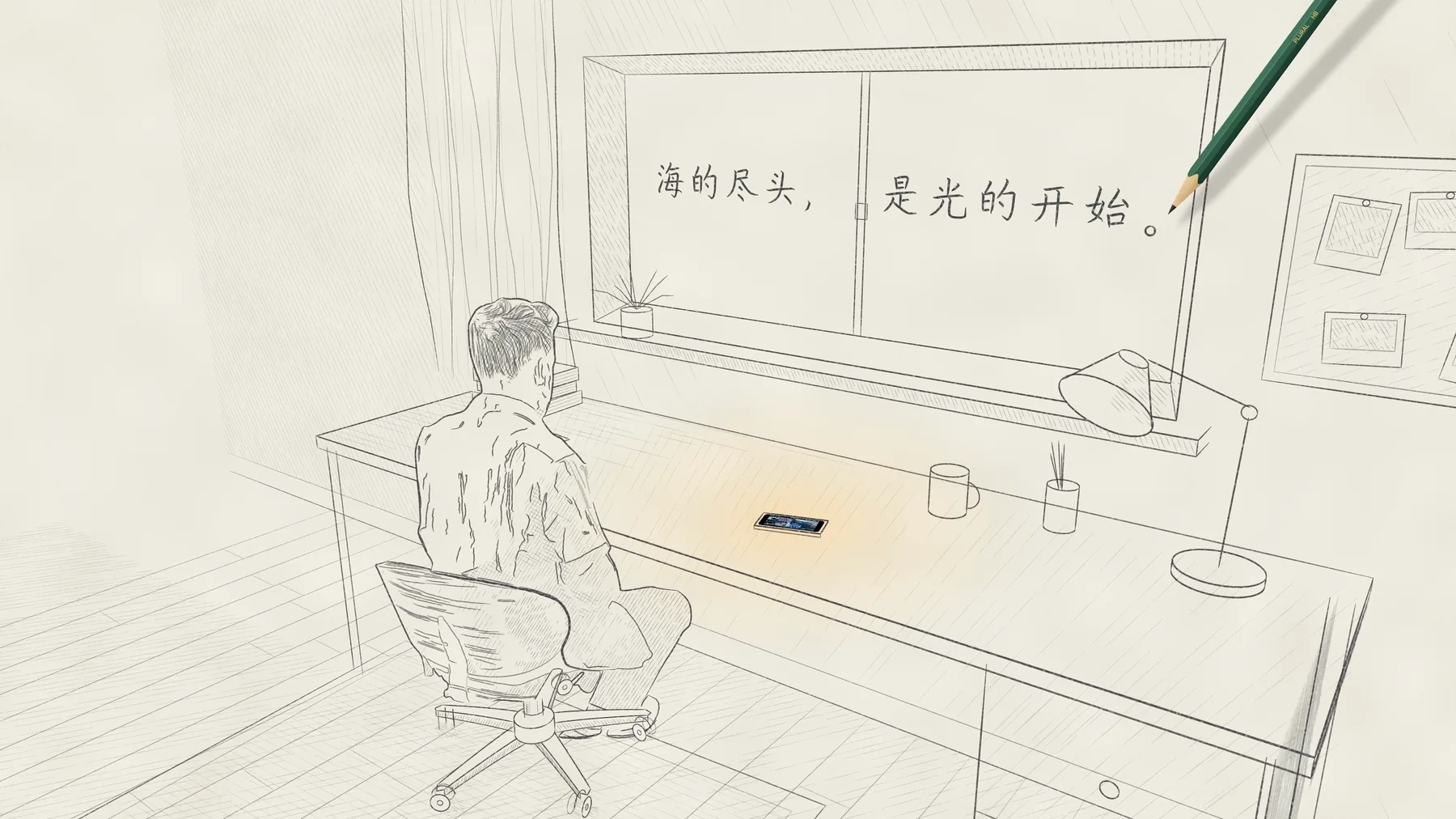

Plural
A multi-camera recorder for iPhone.
Up to three cameras roll together, each with its own shutter, ISO and focus.
iPhone 上的多机位相机。
最多三颗镜头一起录,快门、ISO、对焦每颗单独设。
Download on the App Store在 App Store 下载
Free to download · iPhone with iOS 17 or later
免费下载 · 需要 iOS 17 或更高版本
目前只在中国大陆以外的 App Store 上架
Up to three cameras at once
最多三颗镜头同时录
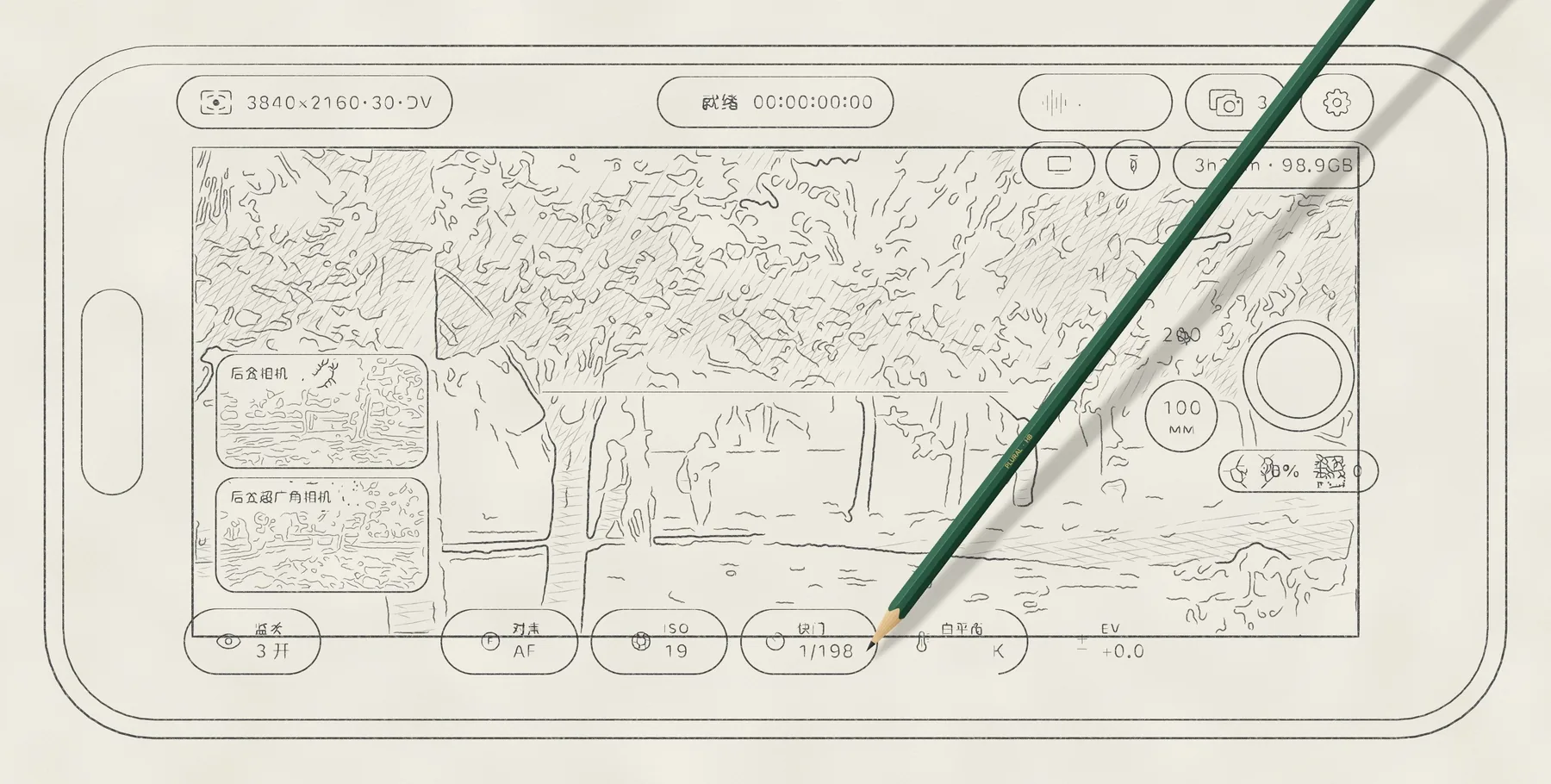
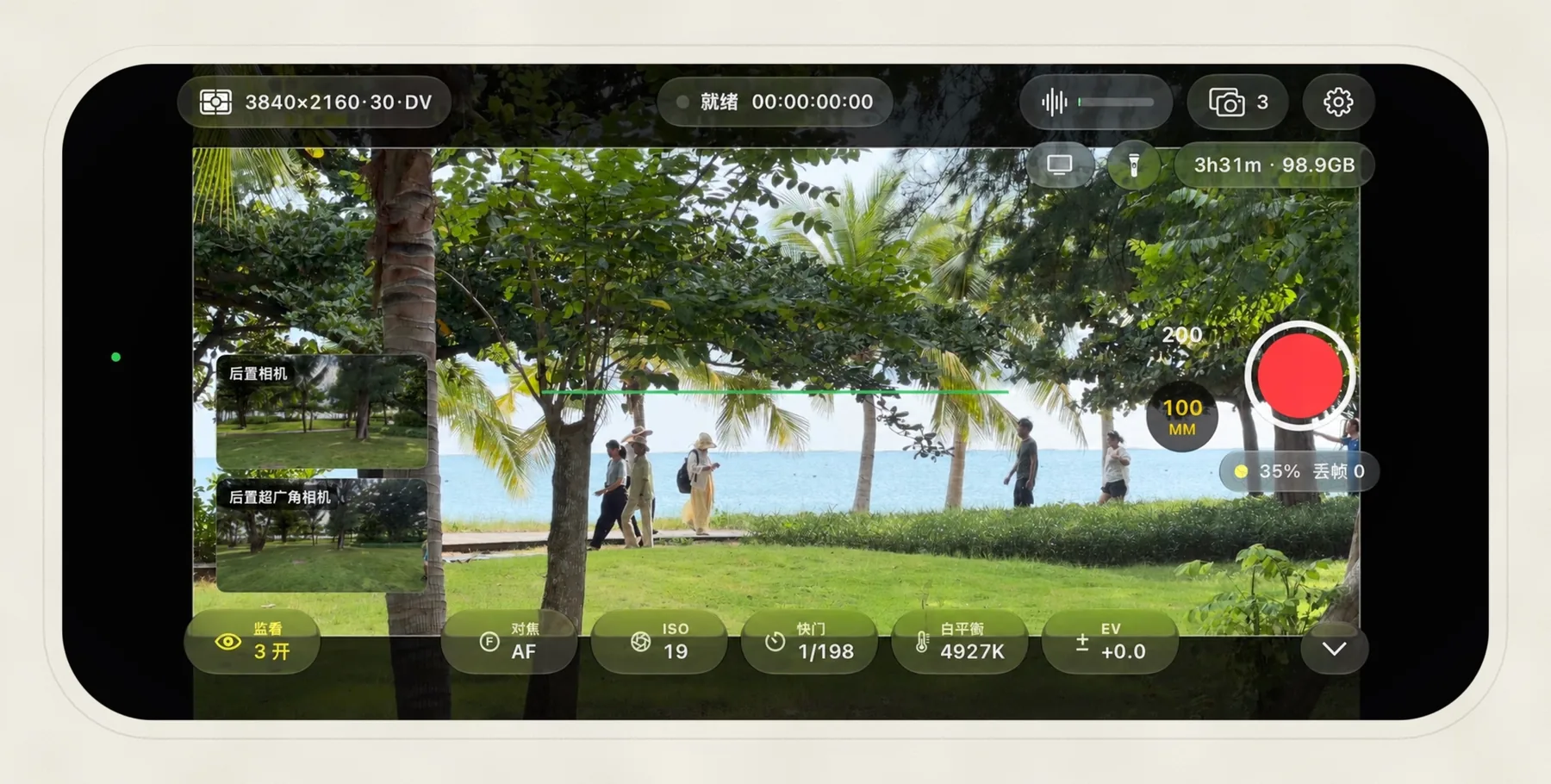
Choose from the wide, ultra wide, telephoto and front cameras, then press record once. Each camera writes its own file, and every file starts on the same frame, so the angles line up in your editor without syncing.
从广角、超广角、长焦和前置里挑出要用的,按一次录制。每颗镜头各存一个文件,都从同一帧开始,放进剪辑软件时已经是对齐的。
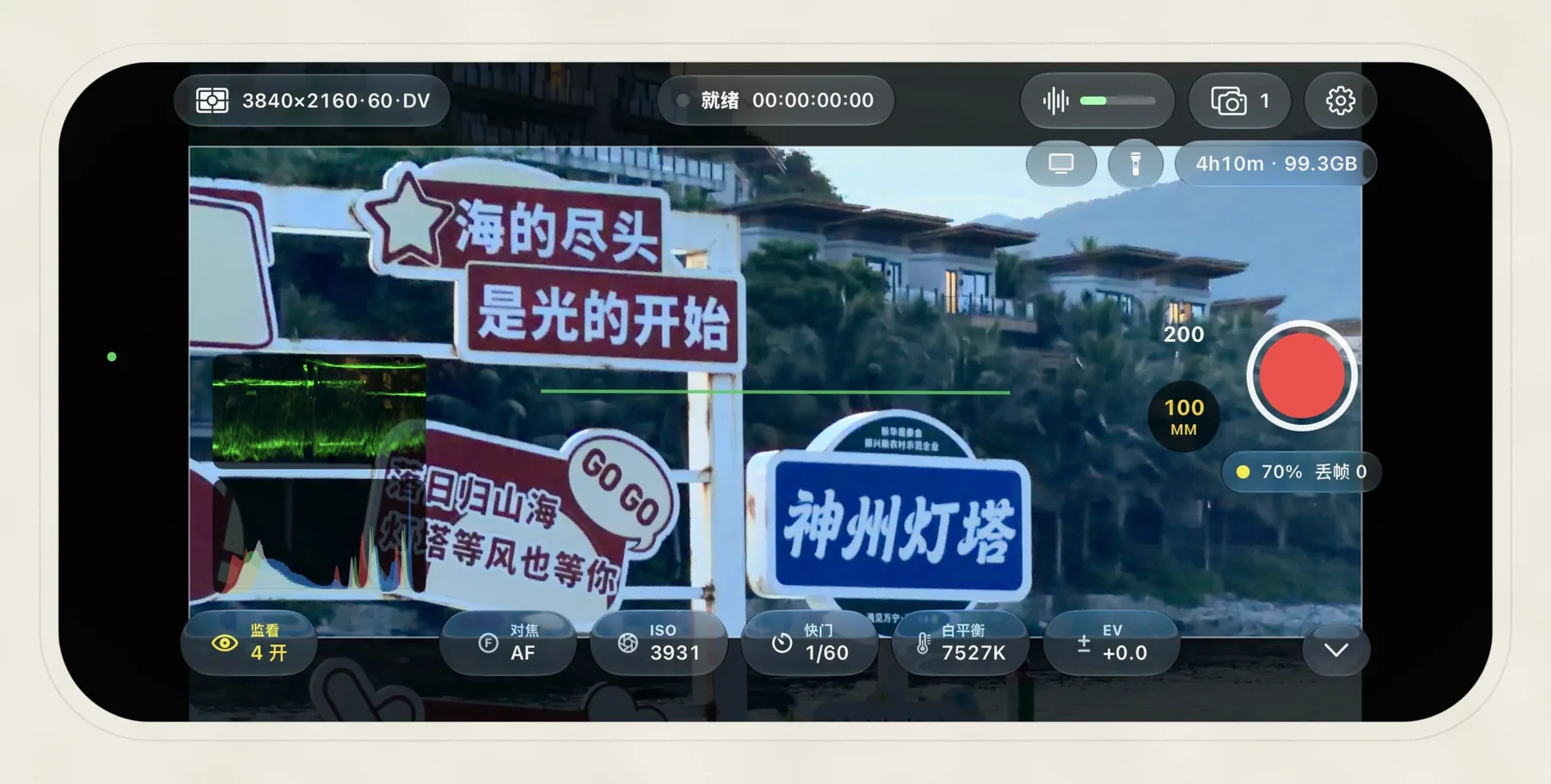
Exposure is set per camera
每颗镜头单独曝光
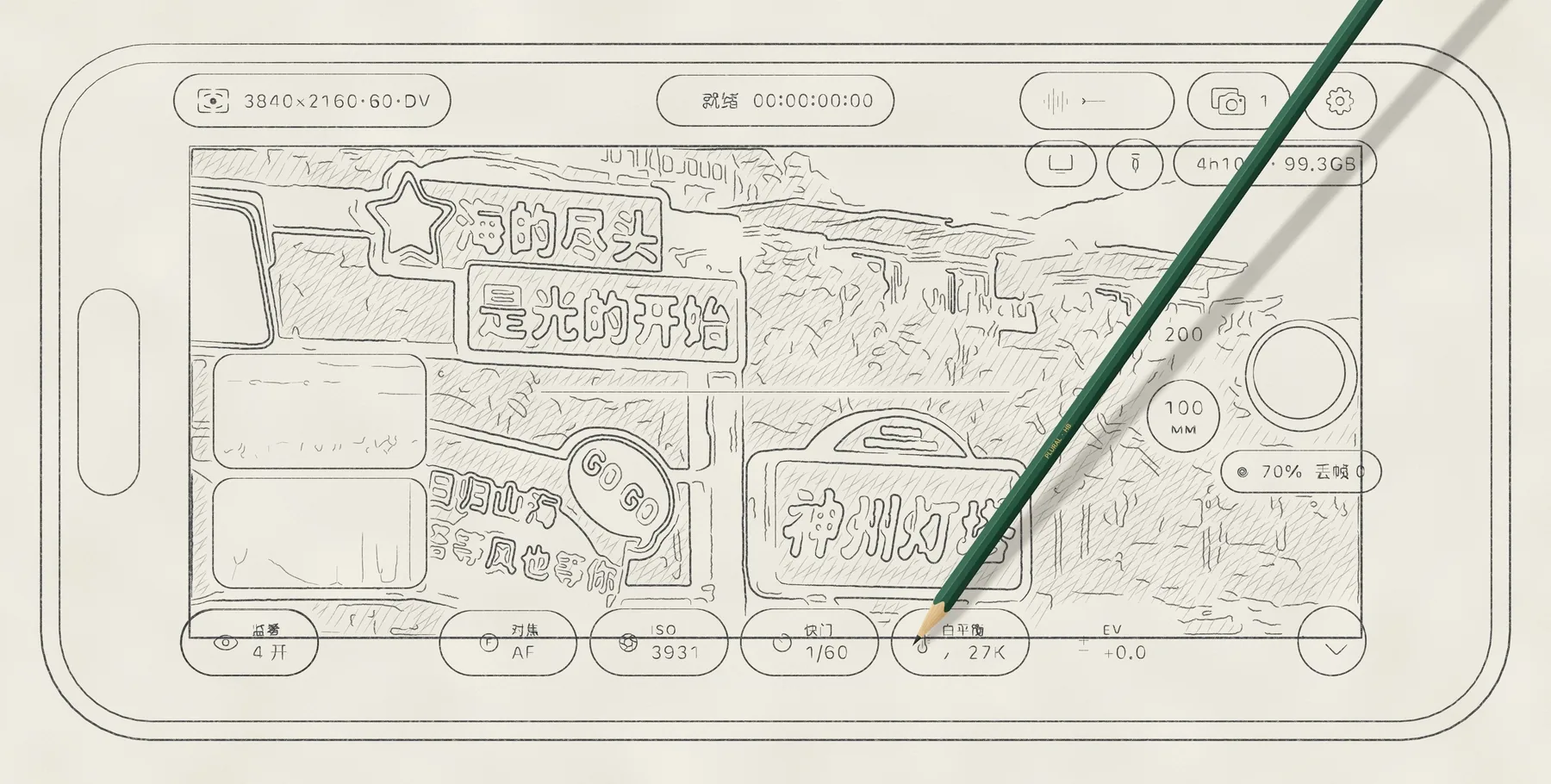
Shutter, ISO, focus and exposure compensation are separate for each camera. Go fully manual, or lock just the shutter or just the ISO and let the other one follow the light. Shutter can also be shown as an angle, up to 360°.
快门、ISO、对焦和曝光补偿,每颗镜头分开设。可以全手动,也可以只锁快门或只锁 ISO,另一项跟着光线自动走。快门也能按角度显示,最大 360°。
White balance is the exception. The back cameras share one setting, so the colour matches when you cut between them.
白平衡是例外。后置镜头共用一组设置,剪辑时在机位之间切换,颜色是一致的。
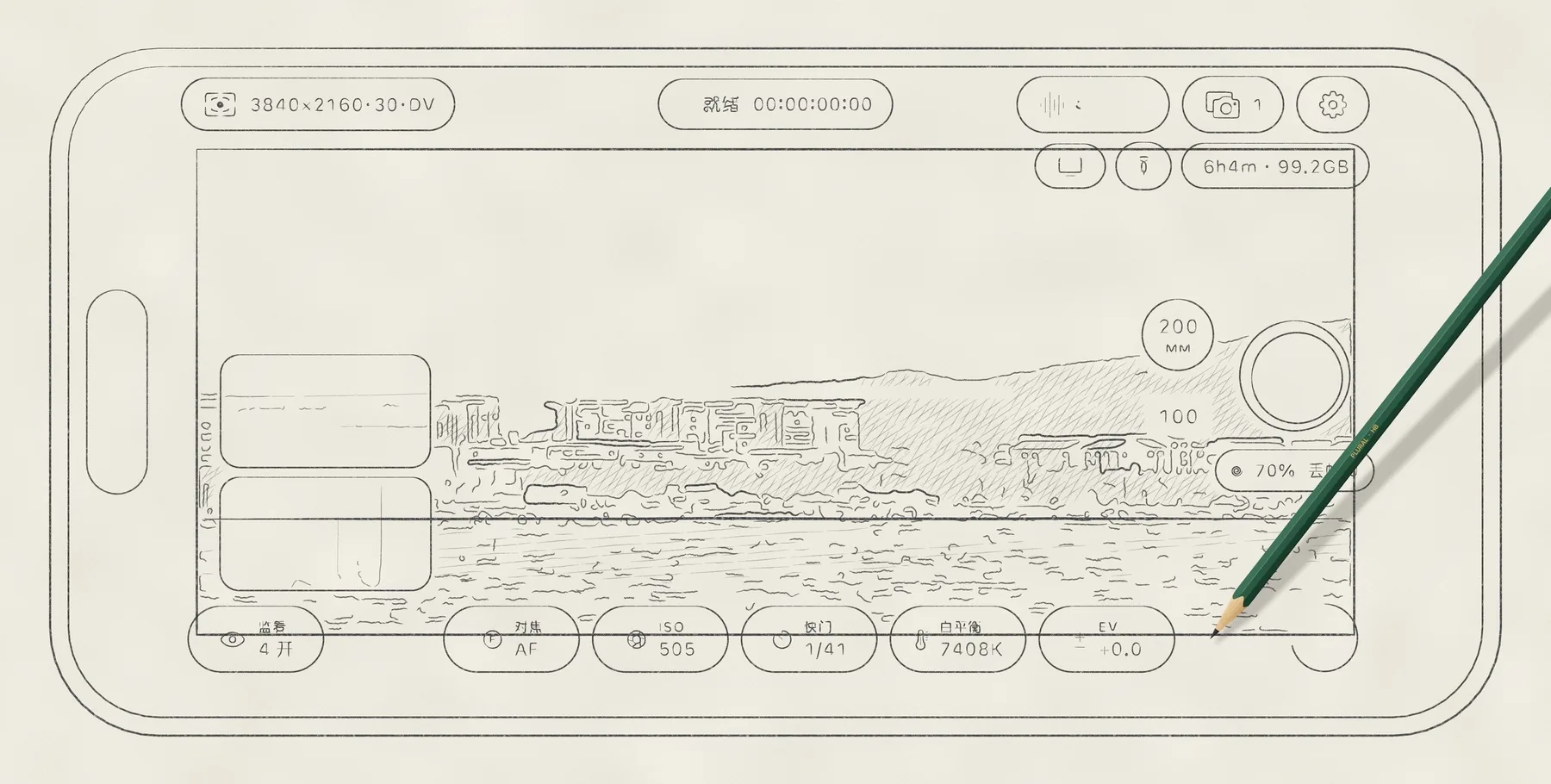
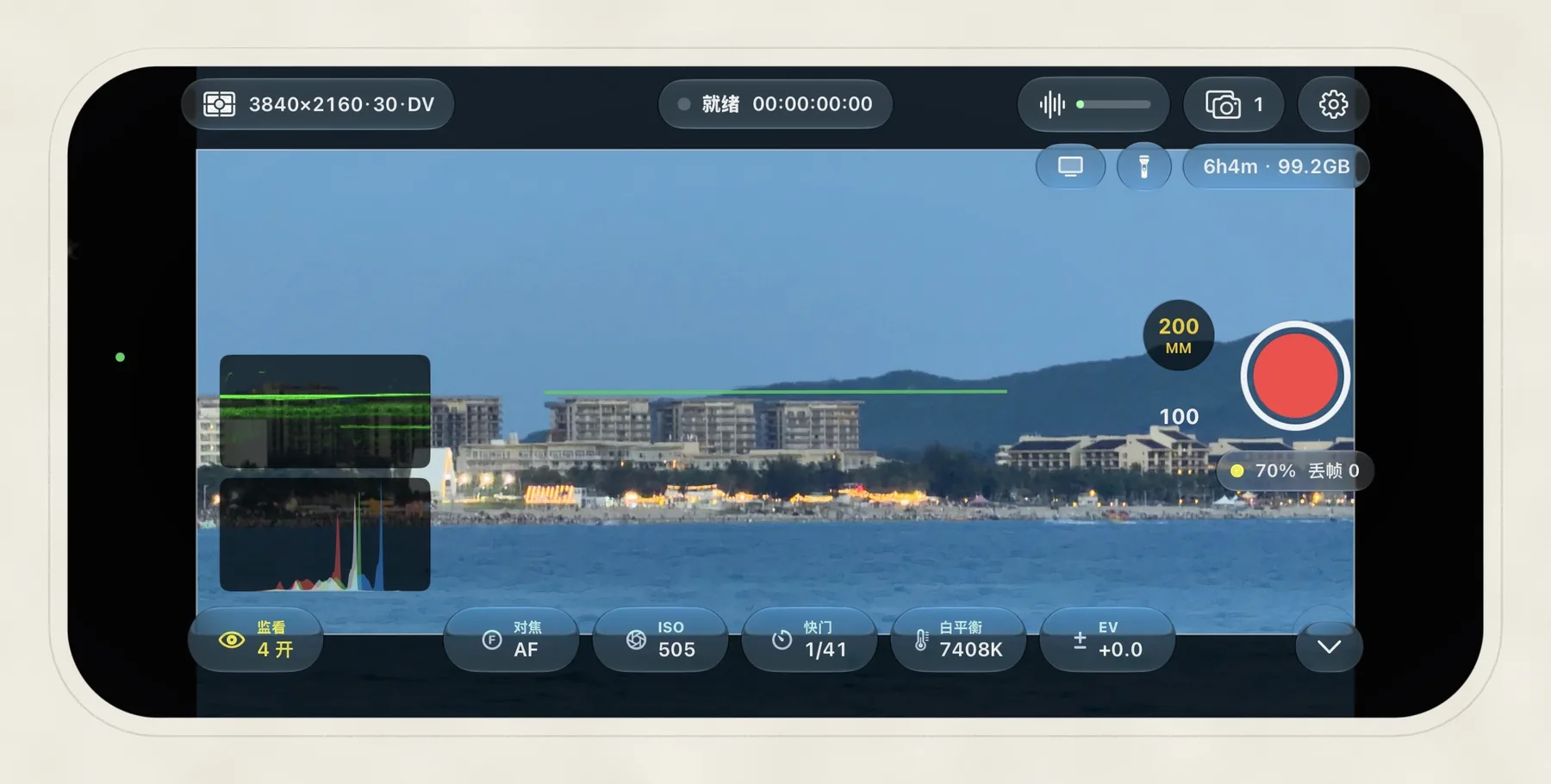
Scopes stay on while you record
录制时示波器照常开着
Waveform, histogram, zebras, false colour and focus peaking. When you shoot Log, you can monitor through Apple’s Rec.709 LUT while the file stays in Log. The other cameras keep running in small windows at the side of the frame.
波形图、直方图、斑马纹、伪色和峰值对焦都有。拍 Log 时可以套 Apple 的 Rec.709 预览 LUT,只改变屏幕上看到的画面,文件仍然是 Log。其他机位在画面一侧的小窗里实时显示。
Formats
格式
What you can use depends on the iPhone. Plural only lists what your phone supports.
能用哪些取决于你的 iPhone,Plural 只列出这台手机支持的选项。
- Codec编码
-
HEVC and H.264, ProRes from Proxy to 4444 XQ, and ProRes RAW. ProRes RAW records one camera at a time.
HEVC、H.264,ProRes 从 Proxy 到 4444 XQ,以及 ProRes RAW。ProRes RAW 一次只能录一颗镜头。
- Colour色彩
-
SDR, HLG, Dolby Vision, Apple Log and Apple Log 2.
SDR、HLG、杜比视界、Apple Log、Apple Log 2。
- Frame rate帧率
-
1 to 240 fps, depending on the camera and resolution. 23.98, 29.97 and 59.94 are recorded at the true NTSC rate, with drop-frame timecode.
1 到 240 fps,取决于镜头和分辨率。23.98、29.97、59.94 按真实的 NTSC 帧率录制,时间码可以用丢帧格式。
- Slow motion, time-lapse慢动作与延时
-
High-frame-rate takes can be saved as slow motion at a normal frame rate. Time-lapse takes one frame every 0.5 to 60 seconds.
高帧率拍的素材可以保存成正常帧率的慢动作。延时摄影每 0.5 到 60 秒拍一帧。
- Audio音频
-
AAC alongside HEVC and H.264, 24-bit PCM alongside ProRes and Log.
HEVC 和 H.264 配 AAC,ProRes 和 Log 配 24-bit PCM。
- Storage存储
-
Photos, the app’s own folder in Files, or an SSD connected over USB-C.
照片图库、文件 App 里 Plural 的文件夹,或者 USB-C 接的固态硬盘。
- External display外接显示器
-
A clean picture or a mirror of the whole screen, over a cable or AirPlay.
接线或 AirPlay 输出,可以是干净的画面,也可以镜像整个屏幕。
- Metadata元数据
-
Lens, focal length, aperture and, if you turn it on, GPS location. Final Cut Pro reads all of it.
镜头、焦距、光圈,打开定位后还有 GPS 位置。Final Cut Pro 都能读到。
- Also其他
-
Frame guides, anamorphic de-squeeze, Camera Control on iPhone 16 and later, and recording from the Lock Screen on iOS 18 and later.
画幅框、变形镜头反挤压预览、iPhone 16 及以后机型的相机控制按钮,iOS 18 起还能在锁屏直接录。
No account, no server
不用登录,也没有服务器
You don’t sign in, and there’s no Plural server to send anything to. The app doesn’t record how you use it. Your clips go where you tell them to and stay there.
Plural 不需要登录,也没有可以上传东西的服务器,不记录你在 App 里的操作。视频存到你指定的地方,就待在那里。
Questions
常见问题
Which iPhones can run it?哪些 iPhone 能用?
Any iPhone XS or later on iOS 17 or later. How many cameras can record together, and whether ProRes, Log or high frame rates are available, depends on the model.
iPhone XS 及以后的机型,系统需要 iOS 17 或更高版本。能同时开几颗镜头,能不能录 ProRes、Log 和高帧率,要看具体机型。
Does it cost anything?要花钱吗?
It’s free to download and every feature works. Without a purchase, each take stops after 15 seconds. A monthly or yearly subscription, or a one-time purchase, removes the limit.
免费下载,所有功能都能用,只是没购买时每段最多录 15 秒。按月或按年订阅,或者一次买断,就没有这个限制了。
Where do the clips go?视频存在哪里?
You choose in the storage menu: Photos, Plural’s folder in the Files app, or an external drive. Clips recorded from the Lock Screen always go to Photos.
在存储菜单里选:照片图库、文件 App 里 Plural 的文件夹,或者外接硬盘。从锁屏录的视频都存进照片。
What if I leave the app mid-take?录到一半切出 App 会怎样?
Recording stops and the take is saved straight away. iOS doesn’t let the camera keep recording in the background.
录制马上停止,已经录下的部分会保存好。iOS 不允许相机在后台继续录像。
Contact
联系
For bugs, questions or ideas, write to the address below. If something went wrong, mention your iPhone model, iOS version, and the codec, frame rate and dynamic range you were using.
有问题、遇到 bug 或者有想法,都可以写信到下面的地址。如果是出了问题,写上手机型号、iOS 版本,以及当时用的编码、帧率和动态范围,查起来会快很多。